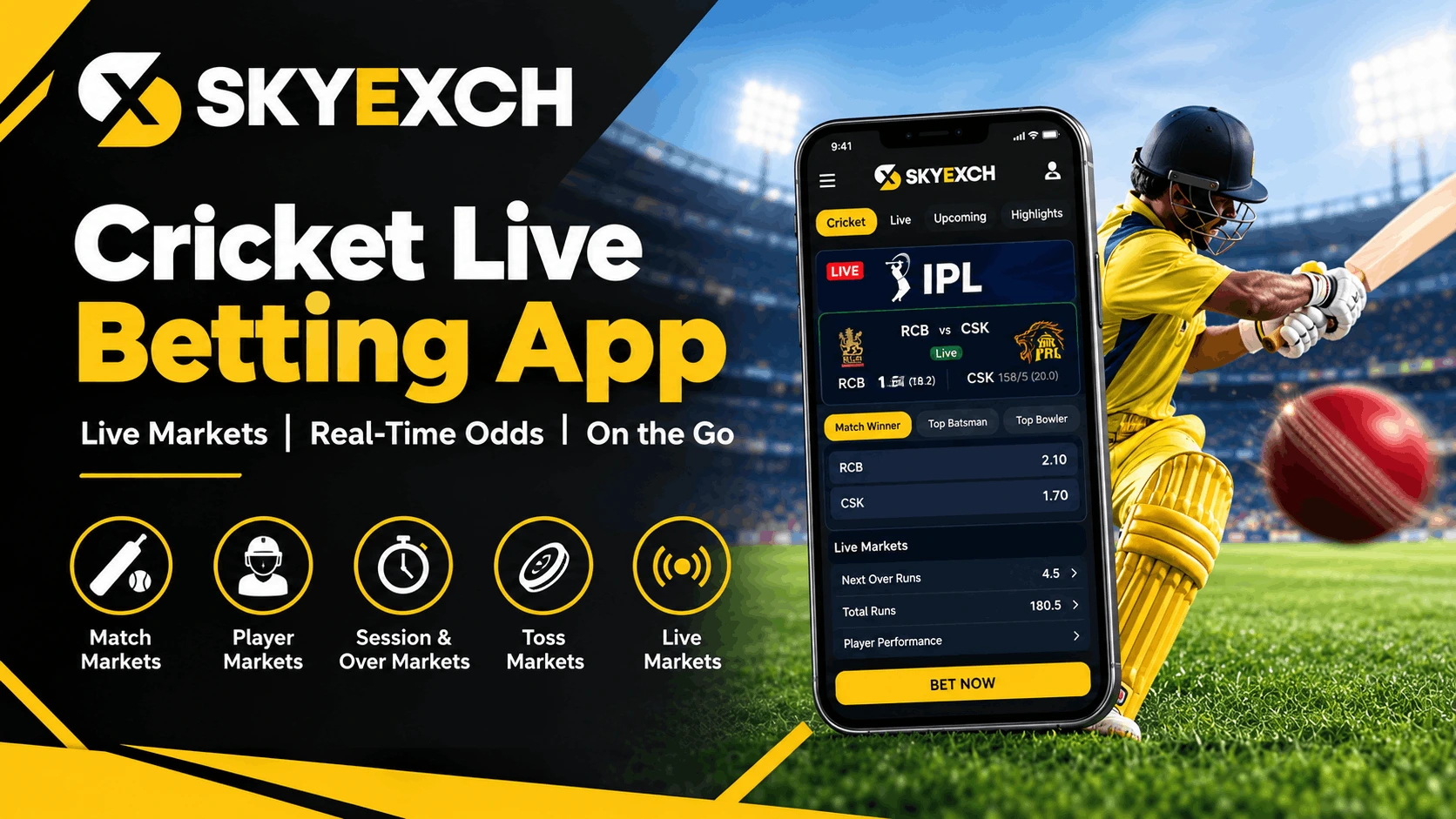

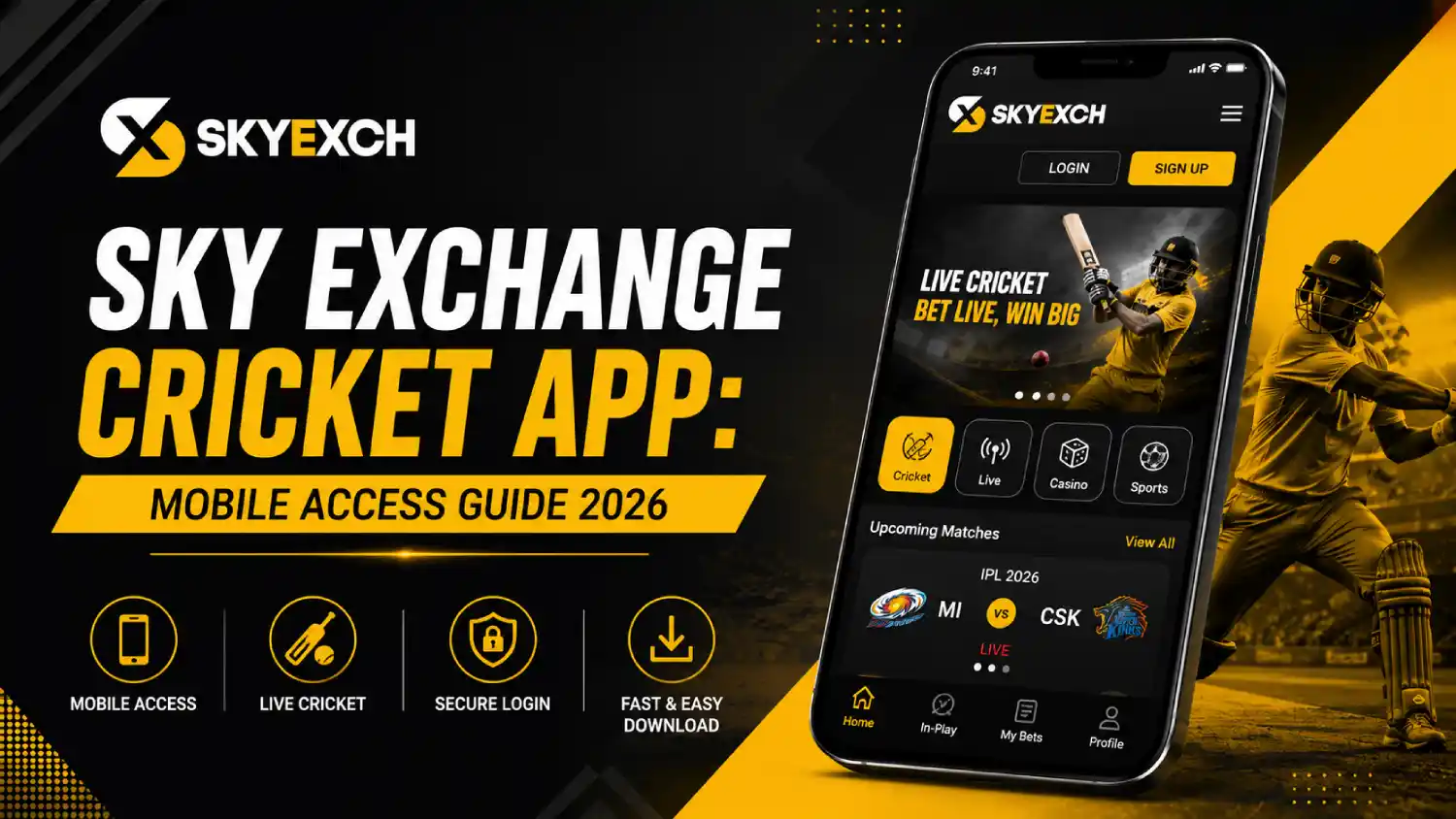
Cricket followers increasingly use mobile platforms to check fixtures, follow live scores and manage their accounts without opening a desktop website. The Sky Exchange cricket app is presented as a mobile version of the Sky Exchange platform, with access to cricket information, live updates and account features from a smartphone.
However, users should understand how mobile access works before installing anything. The Android version is described as an APK file that may need to be installed manually, while iPhone users may need to use the mobile website through a browser. This guide explains the available features, access methods, login process and essential safety checks.
What Is the Sky Exchange Cricket App?
The Sky Exchange cricket app is the mobile access option connected to the Sky Exchange website. According to the website, the mobile platform brings together live sports information, score updates, match results, notifications and account-management features.
Cricket is one of the main sports shown across the platform. Users may see ongoing matches, upcoming fixtures and event information through a mobile-friendly interface.
The website describes Android access through an APK file rather than a standard app-store installation. It also says that iPhone users may access the platform through Safari or another mobile browser when a direct iOS version is unavailable.
Sky Exchange Cricket App at a Glance
| Feature | What the Website Describes |
| Mobile access | Android APK and mobile-browser access |
| Cricket section | Ongoing and upcoming cricket events |
| Live information | Scores, match updates and results |
| Account access | Login using an existing user ID and password |
| Notifications | Match and platform alerts |
| Dashboard | Activity history, settings and account details |
| Language options | English, Hindi and selected regional languages |
| iPhone access | Mobile website where a direct app is unavailable |
Features can change between versions. Users should verify what is actually available in their current app or account instead of relying on an old screenshot or third-party description.
Is the Sky Exchange Cricket App Available on Android?
The website currently describes the Android product as an APK file. An APK is an Android installation package that users download and install manually instead of receiving it automatically through the Google Play Store.
Manual APK installation requires additional care because files downloaded from unknown websites can be changed, repackaged or combined with harmful software. Users should never install a file simply because it carries a familiar name or logo.
Before opening an APK, check:
- The exact website address
- The source of the download
- The file name and version
- The permissions requested during installation
- Whether the file triggers a device-security warning
- Whether the app asks for access unrelated to its normal function
Do not disable all Android security settings permanently. Where installation permission is required, allow it only for the verified source and turn it off after installation.
Is There a Sky Exchange Cricket App for iPhone?
iPhone users should not trust websites offering an unofficial iOS installation file under the Sky Exchange name. The mobile website may be the safer access method when no verified App Store listing or official iOS version can be confirmed.
Users can normally save a mobile website to the iPhone home screen:
- Open the verified website in Safari.
- Tap the Share button.
- Choose “Add to Home Screen.”
- Confirm the name and icon.
- Open the shortcut when mobile access is required.
This creates a website shortcut. It does not install a native iPhone application.
Also check – Dafabet | Dafabet India review
Main Features of the Sky Exchange Cricket App
Cricket Match Information
The mobile interface is designed to display cricket events in an organised section. Users may be able to move between ongoing matches, upcoming fixtures and completed events without searching through unrelated categories.
This can be useful for people who mainly visit the platform for cricket information rather than other sports.
Live Score Updates
The site says that the app provides live scores, results and match updates. The accuracy and speed of this information can depend on the data provider, internet connection and app version.
Users following an important fixture should compare information with an established official cricket source when accuracy matters.
Mobile-Friendly Navigation
A mobile interface should make frequently used sections easier to reach on a smaller screen. Cricket events, account settings, history and notifications may be arranged through tabs, menus or dashboard shortcuts.
An uncluttered layout matters during live events because users should not have to open several pages to find basic match information.
Match Notifications
The app page mentions push notifications for matches and platform updates. These alerts may help users follow selected events without keeping the app open.
Too many notifications can become distracting. Users should open Android notification settings and keep only the alerts they genuinely need.
Personal Dashboard
Existing account holders may use the dashboard to review profile settings, account activity and available preferences. The exact information displayed can depend on the user type and platform version.
Never allow another person to manage the dashboard on your behalf. Anyone with access to the account may be able to view personal or financial information.
Multiple Language Options
Language availability should be checked inside the current version because the options may not be identical across the website and APK.
Using a familiar language can make navigation easier, but users should still read account conditions and privacy information carefully.
Sky Exchange Cricket App Versus Mobile Website
The mobile app and browser version may provide similar account access, but they work differently.
| Sky Exchange App or APK | Mobile Website |
| Installed on an Android device | Opens inside a browser |
| May provide push notifications | Browser notifications may be limited |
| Requires storage space | Does not require full installation |
| Updates may need manual installation | Website changes appear automatically |
| Can request device permissions | Usually requires fewer device permissions |
How Existing Users Can Log In
Users should only enter credentials on a previously verified website or application.
The normal login process is:
- Open the verified app or mobile website.
- Find the login area.
- Enter the assigned user ID.
- Enter the account password.
- Complete a captcha when displayed.
- Tap the login button.
- Confirm that the correct dashboard has opened.
How to Identify a Fake Sky Exchange App
A fake application may imitate the logo, colours and screen layout of the original platform. Appearance alone cannot prove that an app is genuine.
Warning signs include:
- A download link sent by an unknown person
- A misspelled website address
- Requests for contact, microphone or accessibility access without a clear reason
- Pressure to install an update immediately
- Requests to turn off antivirus protection
- Requests to share the mobile screen
- Promises of guaranteed earnings
- Login pages asking for a UPI PIN
- Different contact details on every page
Permissions to Review Before Installation
An app should only ask for permissions necessary for its actual functions. Users should question requests for access to:
- Contact lists
- Text messages
- Call records
- Microphone
- Camera
- Accessibility controls
- Complete photo libraries
- Device administration
- Background location
Some permissions may be required for a specific feature, but they should be clearly explained. Deny permissions that appear unnecessary and check whether the app continues to work normally.
How to Update the Sky Exchange App
The website states that Android APK updates may need to be downloaded and installed manually. This means users cannot assume they are running the latest version.
A safer update process is:
- Check the current version number inside the app.
- Visit the previously verified source.
- Compare the available version with the installed version.
- Download the file only when the source is confirmed.
- Review the permissions again.
- Install the update.
- Confirm that login and cricket sections work correctly.
- Delete the downloaded installation file when it is no longer needed.
Do not install an update shared through an unknown group or shortened link. Fake “mandatory updates” are a common way to distribute altered APK files.
Common Sky Exchange Cricket App Problems
The App Is Not Installing
Check whether the Android version supports the APK and whether sufficient storage is available. The installation may also fail when the file is incomplete, damaged or blocked by device security.
Do not repeatedly download copies from random websites. Confirm the source before trying another file.
The App Keeps Closing
Restart the device and clear the app cache. An outdated version, low available memory or a conflict with a recent Android update may cause repeated crashes.
Reinstalling should be the last step because it may remove locally stored settings.
The Cricket Section Is Not Loading
The problem may be caused by a slow connection, a temporary server issue or outdated app data. Switch between Wi-Fi and mobile data, then reopen the application.
Avoid repeatedly refreshing the screen. This can make a weak connection feel even slower.
Live Updates Appear Delayed
Live data is affected by internet speed, server load and the source supplying the match feed. Delays may be more noticeable during major cricket tournaments when many users are active at the same time.
Use an established official sports source when you need confirmed scores or results.
Login Details Are Being Rejected
Check the spelling of the user ID and password. Passwords are case-sensitive, and copied credentials may include an accidental space.
Stop after several unsuccessful attempts. Repeated guessing can lead to temporary account restrictions or expose the user to fake recovery services.
Notifications Are Not Appearing
Open the phone settings and confirm that notifications are enabled for the app. Battery-saving settings may also stop background alerts.
Users should enable only useful match notifications rather than allowing every promotional alert.
Account and Password Safety
A strong password should be unique and should not be reused for email, banking or social media accounts.
A safer password includes:
- At least 12 characters
- Uppercase and lowercase letters
- Numbers
- Special characters
- No name or mobile number
- No simple sequence such as 12345678
Store the password in a trusted password manager. Avoid keeping it in screenshots, unprotected notes or WhatsApp conversations.
What the Website Should Fix Before Promoting the App
Trust is essential for any website dealing with account credentials. At present, several Sky Exchange pages contain contradictions that can confuse both users and search engines.
The website should:
- Clearly state whether a native Android app, APK or both are offered.
- Remove unsupported iOS availability claims.
- Publish the current app version and update date.
- Add a verifiable APK checksum or digital-signature guide.
- Explain every permission requested by the app.
- Use one consistent registration process across all pages.
- Remove conflicting statements about authorised agents.
- Avoid unsupported safety and encryption claims.
- Publish clear company, licensing and grievance details.
- Update content that still refers to 2025 versions.
Fixing these issues is more valuable than forcing the keyword into additional pages. Thin or contradictory content may attract clicks briefly, but it will not build durable search visibility or user trust.
Frequently Asked Questions
What is the Sky Exchange cricket app?
It is the mobile access option presented by the Sky Exchange website for cricket information, live updates and account-related features.
Is the Sky Exchange cricket app available on Google Play?
The website currently describes Android installation through an APK file. Users should independently verify any Play Store listing because similarly named applications may be operated by unrelated developers.
Is the Sky Exchange app and APK the same thing?
On the website, the Android app is generally described as an APK that must be downloaded and installed manually. Some existing articles treat them as separate options, which creates unnecessary confusion.
How do I update the Sky Exchange APK?
Check the installed version, visit the verified source and compare it with the latest available version. Review permissions before installing any replacement file.
Why is the Sky Exchange app not working?
Possible causes include an outdated version, slow internet, low device storage, corrupted cache, server problems or an incompatible Android version.
Can I use the cricket section without installing the app?
The website states that users can access the platform through a mobile browser. This may be easier for users who do not want to install an APK.
Is it safe to install an APK from WhatsApp?
Installing an APK sent through WhatsApp carries risk unless the file and sender can be independently verified. Never rely only on the sender’s profile name, logo or claim of being an official representative.
Should I share my login password with customer support?
No. Users should never share their complete password, UPI PIN, card PIN or banking PIN with support agents or third parties.
Conclusion
The Sky Exchange cricket app is presented as a mobile way to access cricket updates, account features and the wider Sky Exchange interface. Android users may be asked to install an APK manually, while iPhone users may need to use a mobile browser.